Built for the Field
Take a tour of FieldDrop. Find out why crews love the simplicity, and admins love the zero-maintenance organization.
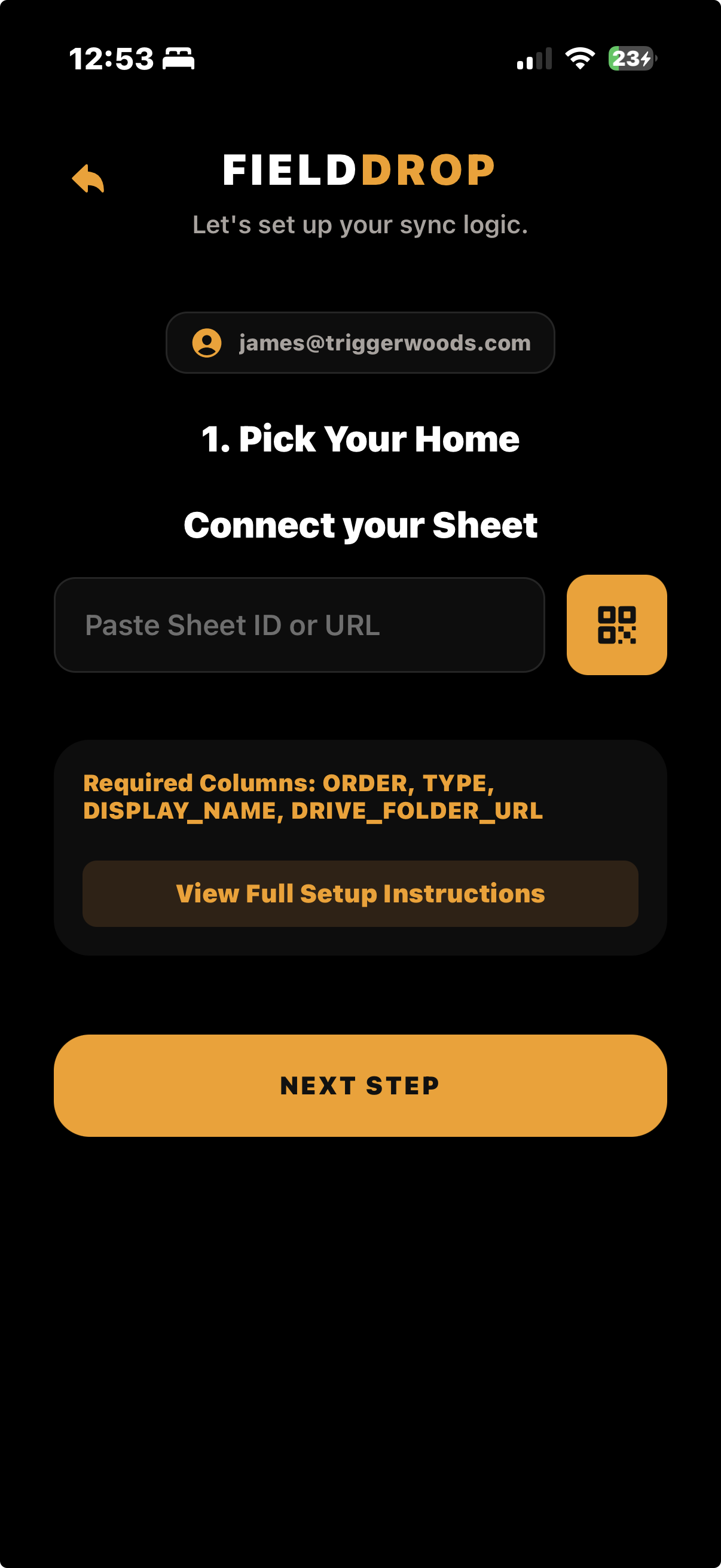
1. Simple ConnectivityZero Configuration
Technicians don't need to sign in to company servers or manage complex credentials. They just scan a QR code and they are instantly connected to the central project sheet.
- Scan a single QR code provided by the front office.
- Instantly fetches active Hubs and Projects.
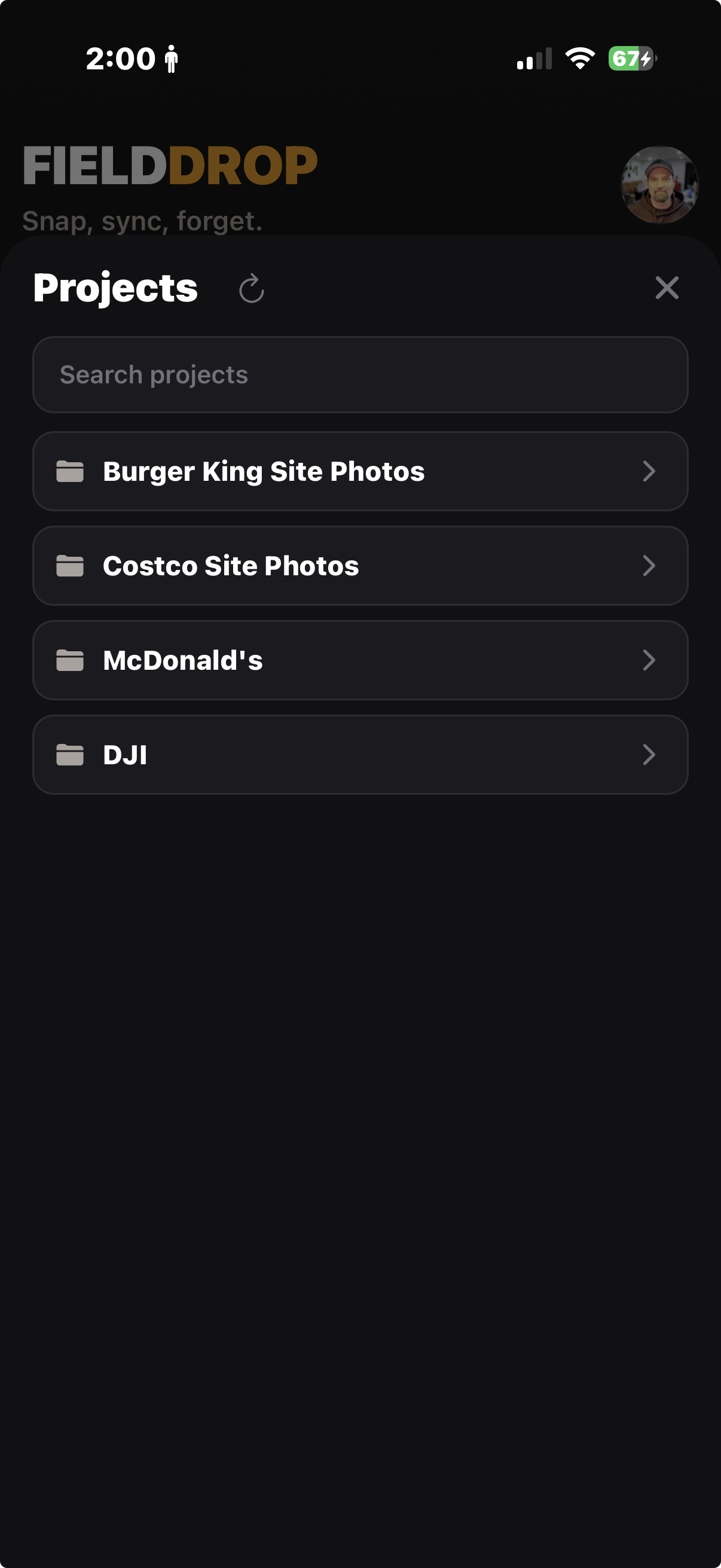
2. Project SelectionPick the Jobsite
The app reads directly from your Master Google Sheet, presenting a clean, up-to-date list of current projects to the technician. No manual typing required, eliminating mismatched folders.
- Dynamic dropdowns pulled straight from Google Sheets.
- Guarantees photos are routed to the exactly correct Drive folder.
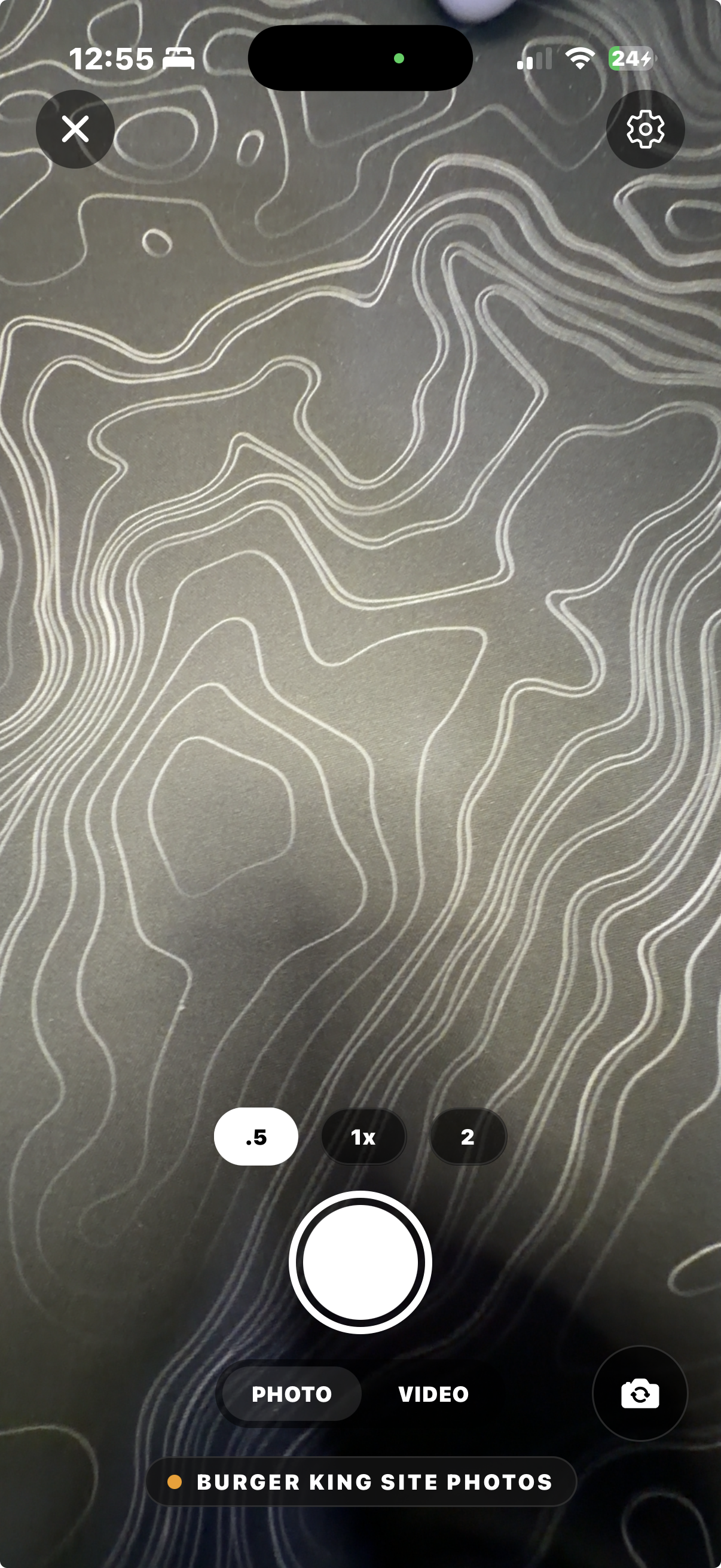
3. Camera & CaptureFast, Dedicated Camera
A completely private camera experience. Photos taken within FieldDrop stay securely within the app's gallery, keeping the technician's personal camera roll completely free of work photos.
- High-speed capture for both photos and video.
- On-screen Project indicator so techs know exactly what they are shooting.
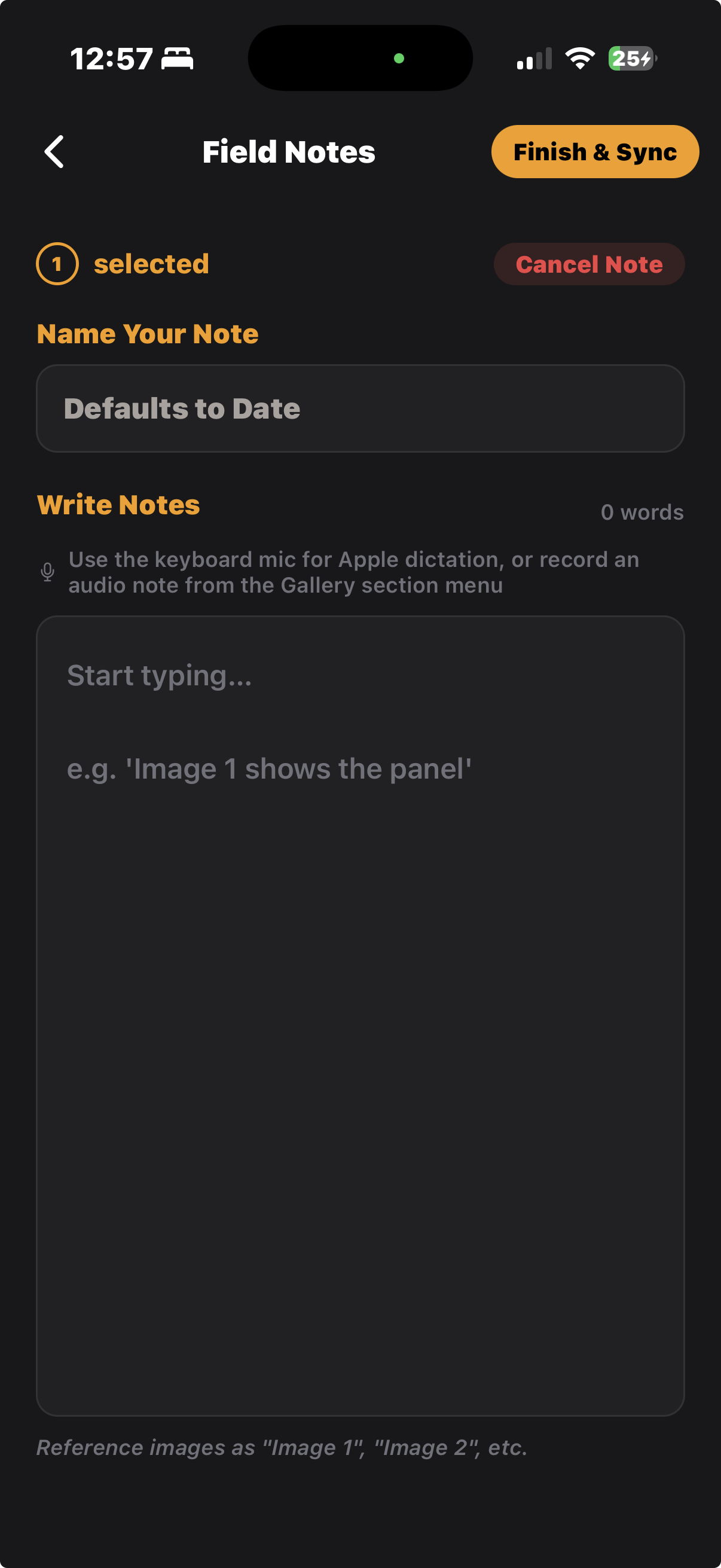
4. DocumentationSmart Field Notes
Context matters. Technicians can instantly attach detailed notes, labels, or measurements to individual photos right after shooting them, ensuring the office never has to guess what they are looking at.
- Attach notes directly to an image asset.
- Notes sync automatically to the cloud alongside the picture.
5. Cloud GalleryIntelligent Syncing
All captured media securely waits in the FieldDrop Gallery. Techs can review, delete, or batch upload their work. The app tracks upload status natively to ensure nothing is lost.
- Select all and upload via a single tap.
- Configurable Wi-Fi safeguards prevent unwanted cellular data usage.